Why the Right Productivity Software Makes a Big Difference
Students juggle lectures, assignments, and exams while workers handle meetings, deadlines, and emails. Good productivity tools can save 5–10 hours per week and reduce stress significantly. The best ones combine notes, tasks, calendars, and collaboration in smart ways.
Quick Answer: Best Productivity Software for Students and Workers
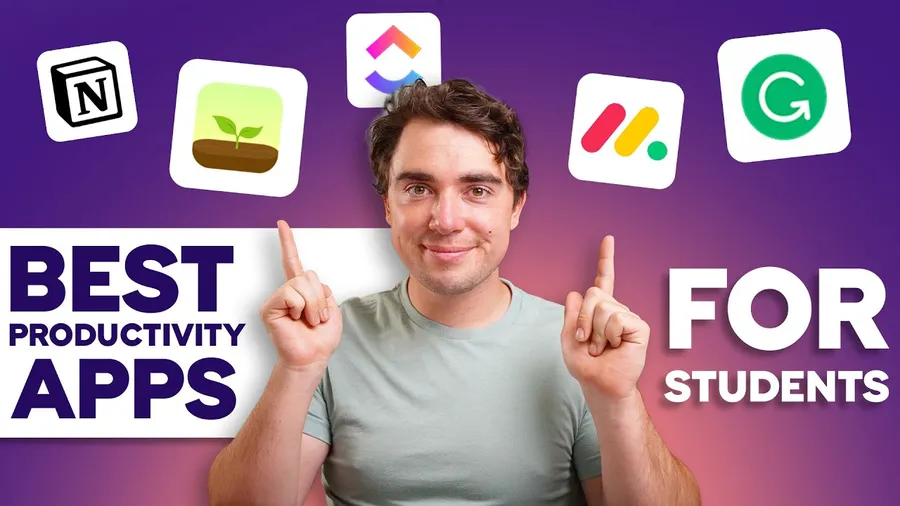
Notion is the top all-in-one choice for most people. Obsidian excels at personal knowledge management. Todoist or TickTick handles tasks perfectly. Pair them with Google Workspace or Microsoft 365 for collaboration and Forest/Focus@Will for deep work sessions.
Productivity Software Comparison 2026
| Tool | Best For | Pricing (starting) | Key Strength |
|---|---|---|---|
| Notion | All-in-one workspace | Free / $10/mo | Flexible databases & templates |
| Obsidian | Linked notes & knowledge base | Free (Sync $5/mo) | Local files & powerful linking |
| Todoist | Task & project management | Free / $4/mo | Simple, fast, great mobile app |
| Google Workspace | Collaboration & docs | Free personal / $6/mo | Seamless Gmail & Drive integration |
| Microsoft 365 | Professional office work | Free personal / $6.99/mo | Full Excel & Teams power |
Notion – The All-in-One Favorite
Notion has become extremely popular among students and remote workers because it replaces multiple apps. You can build study notes, project trackers, habit dashboards, and team wikis all in one place. Its template gallery helps beginners start quickly, and the free plan is generous enough for most individual users.
Obsidian – Best for Deep Thinking and Notes
Obsidian stores notes as simple Markdown files on your computer, giving you full ownership and privacy. Its linking system creates a personal knowledge graph – perfect for students connecting ideas across subjects or workers building a second brain. Many users report it dramatically improves long-term retention and creativity.
Todoist and TickTick – Simple Yet Powerful Task Managers
Todoist offers clean design and powerful filters while TickTick adds built-in Pomodoro timer and habit tracking. Both help students break down assignments and workers manage multiple projects without feeling overwhelmed. The ability to set recurring tasks and priorities makes daily planning much easier.
Google Workspace vs Microsoft 365 for Collaboration
Google Workspace (Docs, Sheets, Slides) is lighter and faster for real-time group work. Microsoft 365 provides more advanced Excel features and better formatting for professional reports. Most students prefer Google while office workers often need Microsoft tools.
Focus and Distraction-Blocking Tools
Forest gamifies focus by growing virtual trees while you work. Freedom and Cold Turkey block distracting websites across devices. Students using these tools regularly report 20-30% higher study efficiency and better grades.
How to Choose the Right Productivity Software
- Students who love customization → Notion or Obsidian
- Need simple task lists → Todoist or TickTick
- Work in teams → Google Workspace or Microsoft 365
- Want everything local and private → Obsidian
Pro Tips to Get Maximum Value
- Start with only 2-3 tools to avoid overwhelm
- Use templates instead of building from scratch
- Set daily/weekly reviews to keep systems clean
- Combine tools – for example Notion for notes + Todoist for tasks
FAQs – Productivity Software for Students and Workers
Are these tools really free?
Most have excellent free plans that are sufficient for students and individuals. Paid upgrades unlock team features or extra storage.
Can one tool replace all others?
Notion comes closest, but many people prefer a combination (e.g., Obsidian for notes + Todoist for tasks).
Which is better for university students?
Notion is currently the favorite among students for its flexibility with lecture notes, assignments, and group projects.
Conclusion – Build Your Productivity System Today
The best productivity software for students and workers depends on your specific needs, but starting with Notion, Obsidian, or Todoist will give you an immediate boost. Combine them with good habits and you’ll accomplish more with less stress.
For more help, explore active recall study method, best free software for video editing beginners, and how to create engaging content for social media.
Data Sources & References
Based on official tool websites, user reviews, independent productivity tests, and real feedback from students and professionals in 2025–2026.